Builders HQ is now in Claude's connector directory
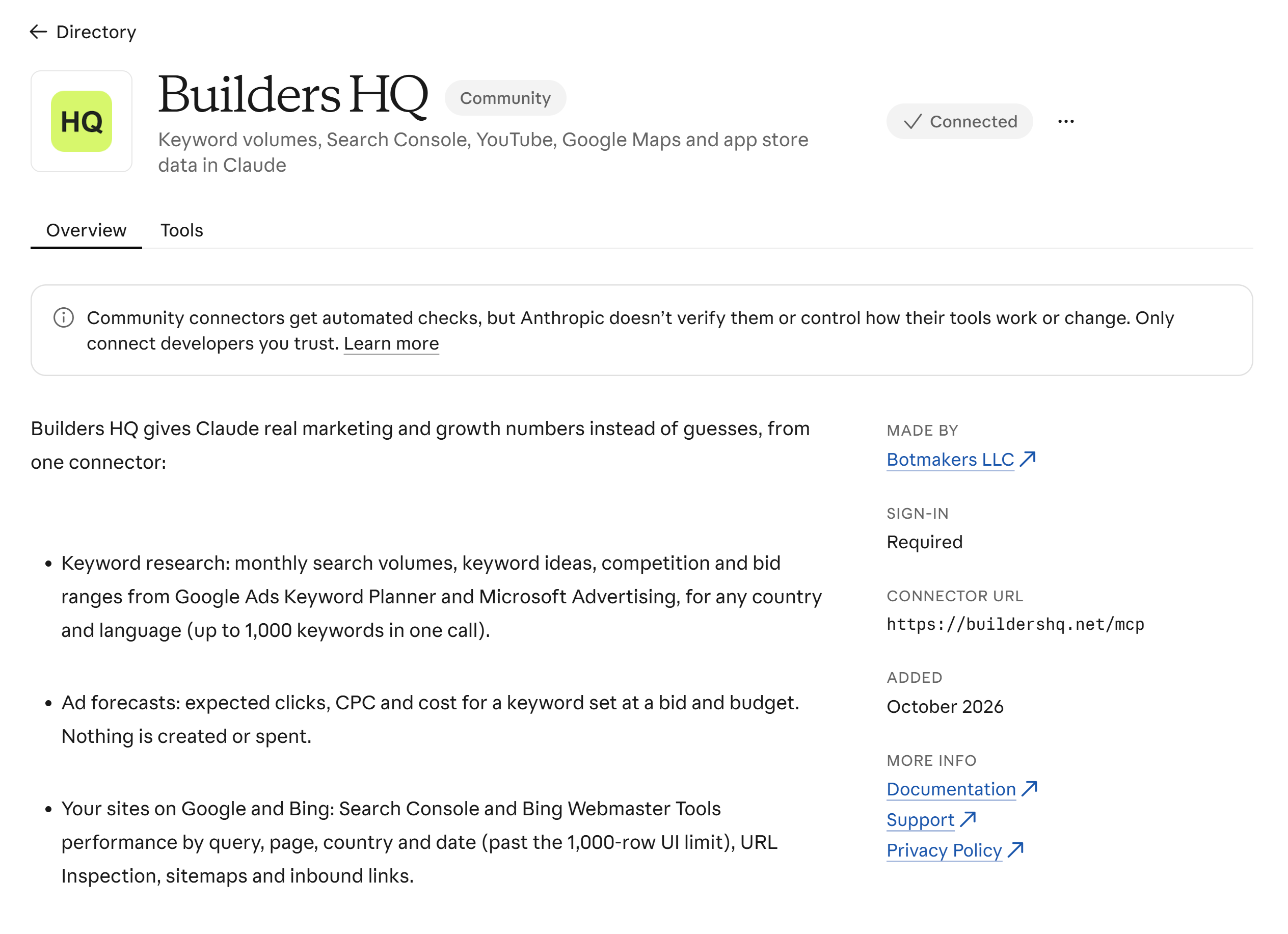
Builders HQ is now in Claude's connector directory, listed as a community connector. Since November 16 anyone using Claude can find it in the directory and connect it in one click. Before, you had to copy our MCP address into Claude as a custom connector.
How to add it
- Open claude.ai/directory/builders-hq, or search for "Builders HQ" in Claude under Settings, then Connectors.
- Click Connect and sign in to Builders HQ with Google.
- Ask Claude something that needs real numbers, for example:
How many people search for standing desk each month in the US? Give me 20 related keywords with their volumes.
It works in Claude on the web, the desktop and mobile apps, Claude Code and the Claude API.
What Claude can do with it
Builders HQ gives Claude real marketing and growth numbers instead of guesses, from one connector with 31 tools:
- Keyword research: monthly search volumes, keyword ideas, competition and bid ranges from Google Ads Keyword Planner and Microsoft Advertising, for any country and language, up to 1,000 keywords in one call.
- Ad forecasts: expected clicks, CPC and cost for a set of keywords at a bid and budget. Nothing is created or spent.
- Your sites on Google and Bing: Search Console and Bing Webmaster Tools performance by query, page, country and date, past the 1,000-row limit of their own dashboards, plus URL inspection, sitemaps and inbound links.
- Faster indexing: send changed pages to IndexNow (Bing, Yandex, Seznam, Naver) and sitemaps to Search Console and Bing.
- YouTube: public numbers for any channel or video, search and comments, and YouTube Analytics for your own channels.
- Google Maps: places with ratings, review counts, contacts, hours and reviews, for competitor research and lead lists.
- App stores: search the App Store and Google Play, and check whether an app name and its domains are free.
- Website traffic: Cloudflare and Vercel Web Analytics by page, country, referrer and device.
The use cases show whole conversations, and the docs describe every tool.
Your data stays yours
Public data such as keyword volumes, YouTube numbers, Maps and the app stores works as soon as you sign in. To let Claude see your own sites and channels, connect Search Console, Bing, YouTube, Cloudflare, Vercel or IndexNow on your account page. Those connections are encrypted with keys kept in Azure Key Vault. Only five tools change anything (adding or removing a site or a sitemap, and sending pages to IndexNow), and they are marked as tools that make changes, so Claude knows which ones to be careful with.
Still in ChatGPT, Gemini and Grok
Nothing changes for the other assistants. The same account and the same connections work in ChatGPT, Gemini, Grok, Cursor and any other app that takes an MCP address: https://buildershq.net/mcp.
Builders HQ is free while it is in beta, with daily limits. Questions or something that doesn't work? Write to hello@buildershq.net.